Production
Streamlining Live Production with Stream Deck and Bitfocus Companion
How I use Stream Deck hardware and Bitfocus Companion software to control cameras, scenes, and more from a single surface during live church production.
You Can't Afford to Be Slow Behind the Board
If you've spent any time behind a live production setup, you know how fast things move. Camera cuts, graphics, audio levels, stream controls, all happening at once, all on a timeline that doesn't wait for you to find the right button. That's where Stream Deck and Bitfocus Companion changed everything for me.
What is Stream Deck?
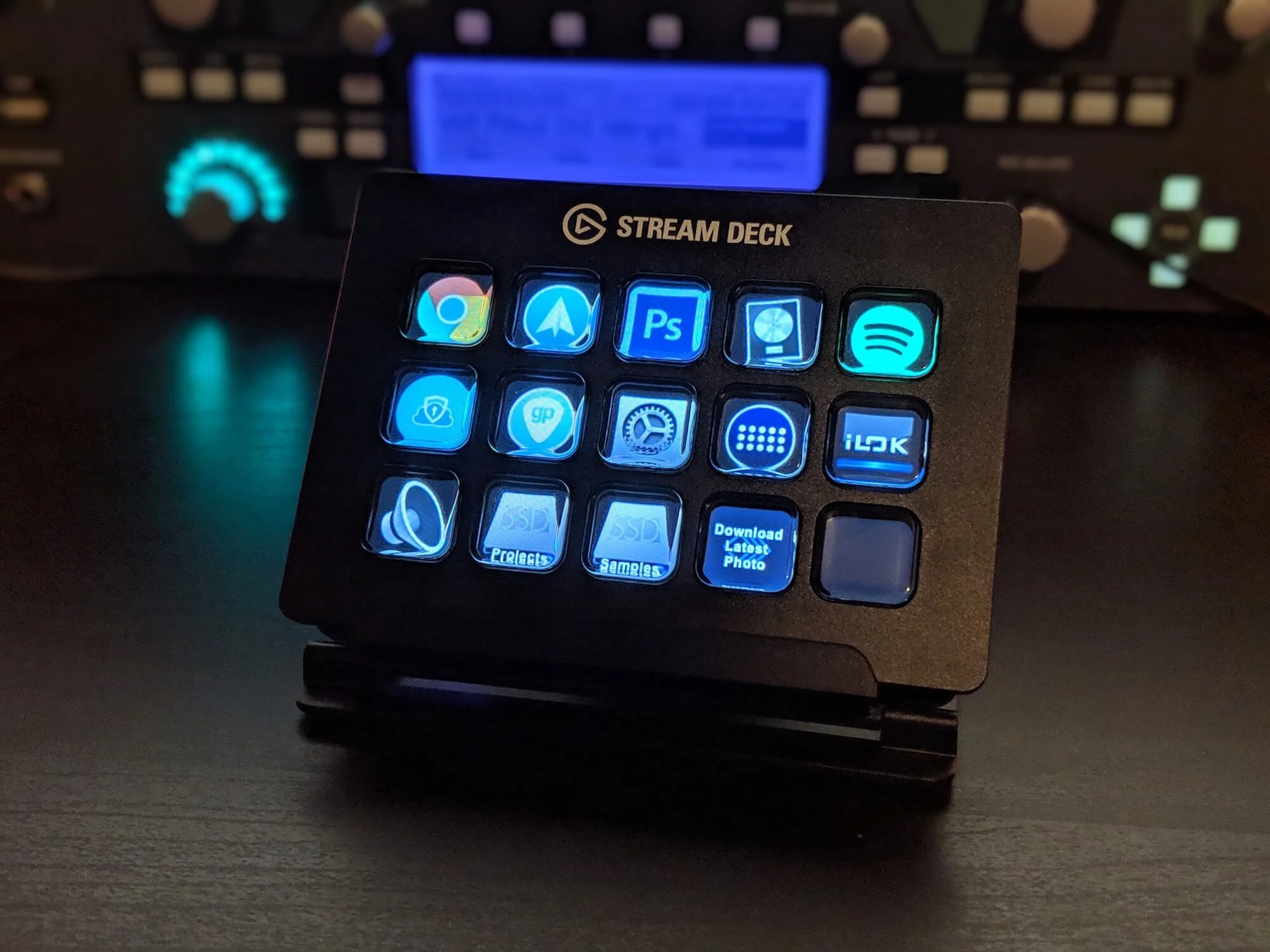
Stream Deck is a hardware controller made by Elgato, a grid of physical buttons with small LCD screens built into each one. Every button is fully customizable, both in what it does and what it displays. Out of the box it works great for basic stuff like launching apps or triggering hotkeys, but where it gets really powerful is when you pair it with Bitfocus Companion.
What is Bitfocus Companion?
Companion is free software that turns Stream Deck into a professional broadcast controller. It connects to a massive library of devices and software over your local network, things like PTZ cameras, ATEM switchers, OBS, ProPresenter, vMix, Resolume, and dozens more. Instead of just sending keyboard shortcuts, Companion sends actual commands directly to your gear.
How I Use It
At Calvary Chapel Lake of the Ozarks, I use Companion to control our PTZ cameras directly from Stream Deck buttons. Each button is mapped to a specific camera preset, wide shot, speaker close up, worship team, and so on. One press and the camera moves to exactly where it needs to be. No touching the camera, no delays, no hunting for the right angle mid-service.
Beyond cameras I use it to trigger scene changes, control graphics timing, and manage the flow of a service from a single surface without ever taking my eyes off the room.
Why It Matters
Live production is about presence. The more mental bandwidth you spend hunting for controls, the less you have for reading the room and making good creative decisions in the moment. Stream Deck and Companion take the mechanical side of production and make it muscle memory, so you can stay focused on what's actually happening in front of you.
Getting Started
If you want to try this setup, here's what you need:
A Stream Deck (the 15 button MK.2 is the sweet spot for most setups)
Bitfocus Companion, free at bitfocus.io
A device or software you want to control that Companion supports
From there it's a matter of building out your button layout, connecting your devices, and dialing in your presets. It takes an afternoon to set up and saves you hours every single week.
If you're running live production for a church or any live event and you're not using this combo yet, it's worth every minute of the setup time.
Other Blog Articles
000000